Highlight a number. You’re dialing.
Dialing has never been easier. Highlight any phone number on your PC and Click ’N Dial places the call on your Avaya telephone — saving time and, most importantly, money.
- DialsExtensions, long-distance, international, vanity 800
- Works inAny app or browser where text can be highlighted
- BonusEnter conference codes, PINs and account numbers
- ReportingEvery outbound call logged
Simplify even the smallest task.
In a busy office or contact center, simplifying even the smallest task is indispensable. With ICTI Click ’N Dial, the chore of dialing is eliminated altogether.
Whether you are in a call center or an office, any phone number you can highlight on your computer can be dialed — internal extensions, long-distance and international numbers, and vanity 800 numbers. Once you have used Click ’N Dial, you’ll wonder how you ever lived without it.
Any number, any app
Recognizes standard phone numbers (866-328-3663) and business vanity numbers (866-EAT-FOOD) in any application or browser.
Codes and PINs
Once the call is placed, use Click ’N Dial to enter conference codes, PINs, account numbers and more.
Logged in a snap
Every outbound call is logged, and simple reports on logged calls are available instantly.
Required Avaya systems
- Avaya CM 5.x and Avaya AES 4.x or higher
- Basic Avaya TSAPI licenses equal to or greater than the number of Click ’N Dial licenses purchased
- Desktops need access to the AES, the license server and CM
Minimum hardware & software
- Desktop: Windows 8 or higher (Windows 10 preferred), 4 GB RAM, 512 MB free disk space
- License server: Windows Server 2008 R2 or higher, 2.4 GHz dual processor, 8 GB RAM or more
Requirements shown as published; contact us to confirm support for your current Windows versions.
Bring every channel into one agent workspace.
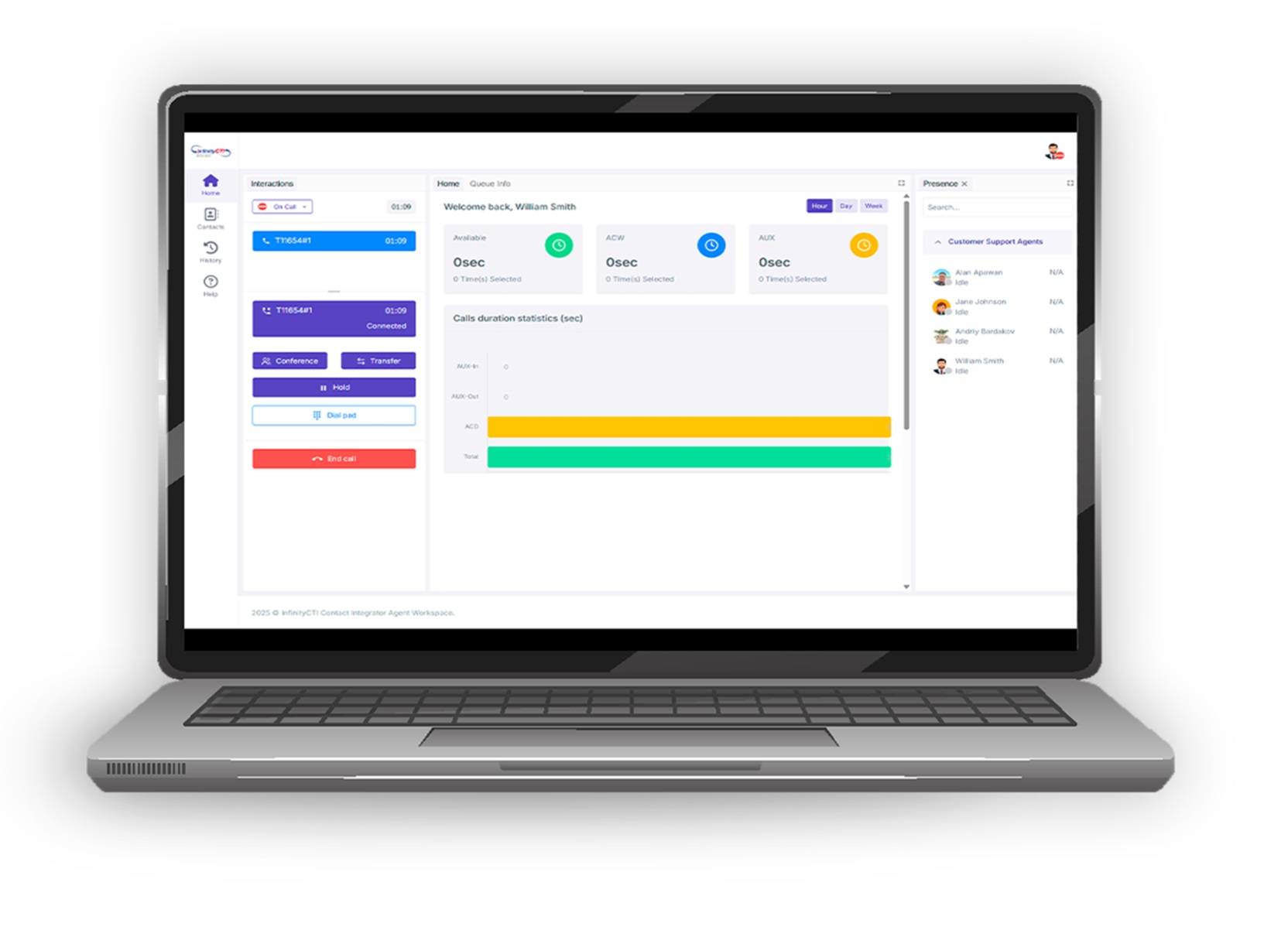
Click ’N Dial speeds up outbound calls from any desktop app; Contact Integrator gives agents a single workspace for every inbound and outbound conversation.
Extend your contact center further.
Pluggable Data Connectors
Ready-made extensions for Avaya Orchestration Designer developers.
Learn more AI & self-serviceCustom IVR Solutions
IVR and CTI applications designed, built and hosted around your exact needs.
Learn more Customer experienceCall Back Software
Let callers skip the hold queue and choose when your agents call them back.
Learn moreInterested in Click ’N Dial?
Tell us about your environment. We’ll show you how Click ’N Dial fits — on its own or alongside Contact Integrator.
San Diego, CA 92124